Learning English through video: combining context and review
A manageable approach, from understanding what you hear to using the sentences yourself.

Choose a video clip you can follow
It is common to understand a word when reading yet struggle to hear or say it. Recognizing written words, identifying sounds and using vocabulary yourself are different skills. Video can add situations, voices and examples of how words fit together; watching more, however, does not necessarily help you use what you have just heard.
Start with a short clip on a familiar topic. After the first viewing, try explaining in Vietnamese what the speaker is discussing. If you cannot grasp the main idea even after watching again, choose an easier clip or one with clear subtitles. Your first goal is to understand the story, rather than prove you can follow difficult material.
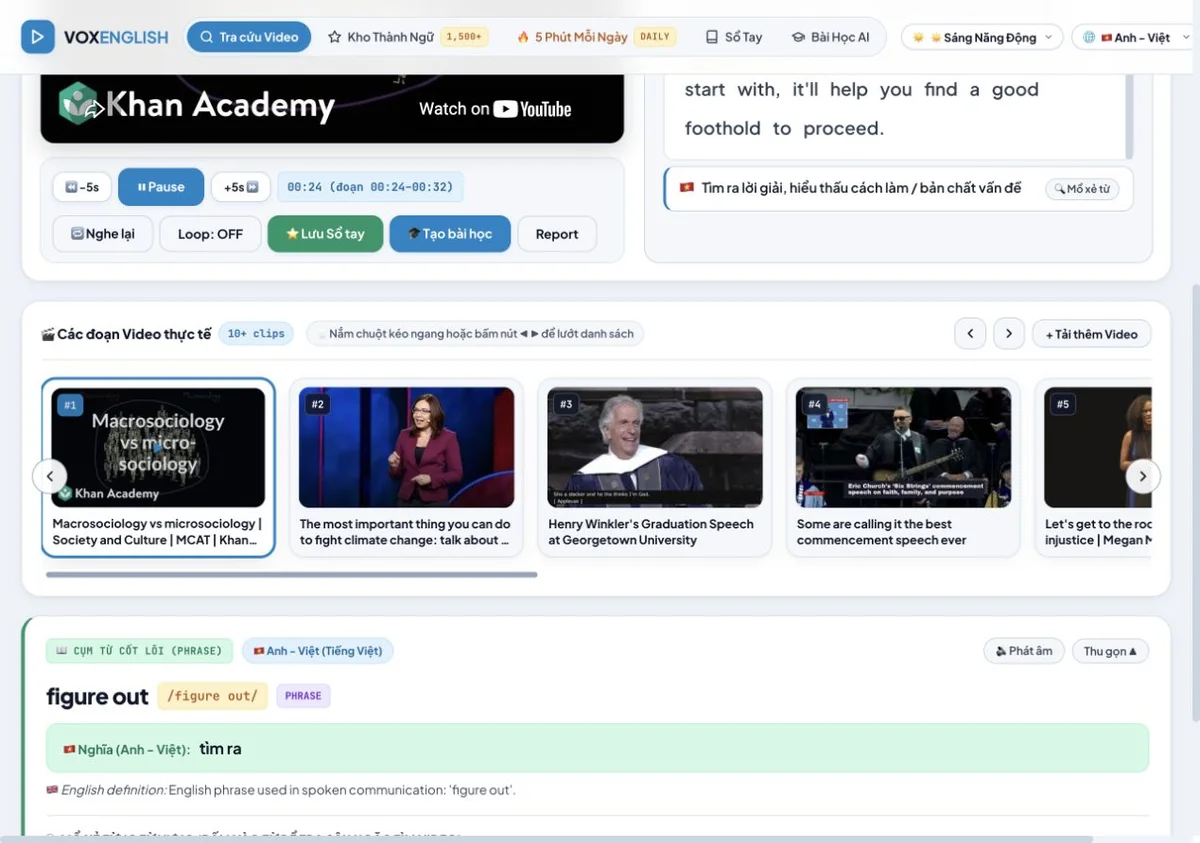
Search for a familiar phrase
For example, enter “figure out,” select “Look Up & Find Videos,” then choose a clip from the list on vox.mwrks.com. Read the quoted sentence to see whether the context is manageable for you.
View full-size image ↗Use subtitles to check what you hear
On your next viewing, turn on subtitles and look for differences from what you guessed. You may know a word but be unfamiliar with connected speech, or hear each word correctly while misunderstanding the phrase. Choose one or two sentences to replay. Read the subtitles, listen to the audio, then listen once more without looking at the text.
For example, “Could you give me a hand?” is usually a request for help. Recording the situation is more useful than noting only the meaning of “hand.” Images do not always explain the speech, though; sarcasm and cultural references may still require a lookup. Automatic subtitles can also misidentify names or leave out words.
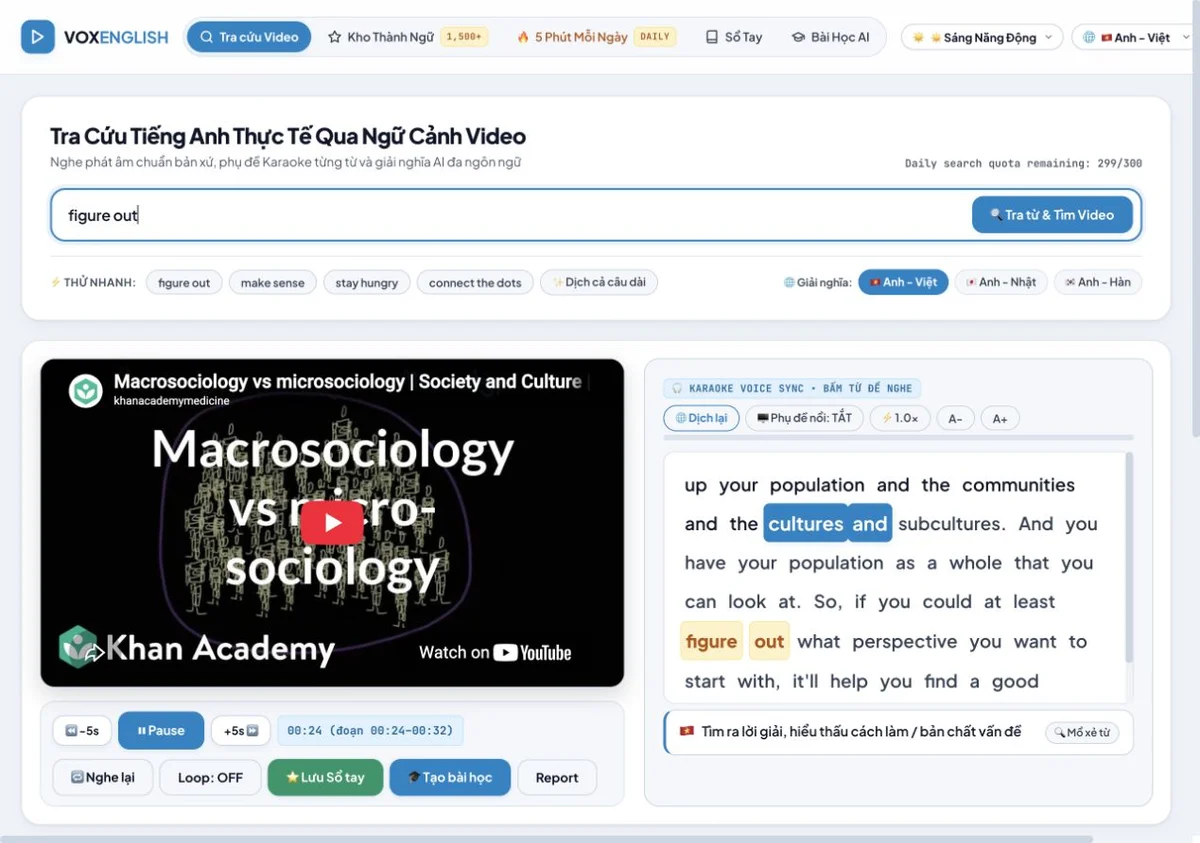
Listen again and check the dialogue
Open the selected clip, listen once, then read the subtitles. Use “Replay” to check anything unclear; then try listening without looking at the text.
View full-size image ↗Combine video with review cards
Video and flashcards serve complementary purposes. Video gives you an example of usage; a card checks whether you can remember it when the example is no longer in front of you. A short card with a clear question can be useful even if it tests just one word. You do not need to put every sentence from a video into your review deck.
For the request above, you could ask: “How would I ask someone to help carry this box?” Answer before revealing the model answer, then listen to the original sentence again. Next, replace the box with something you actually need help with. This is a practice activity suggested by MWRKS, not a required study schedule or a guarantee of progress within a set time.
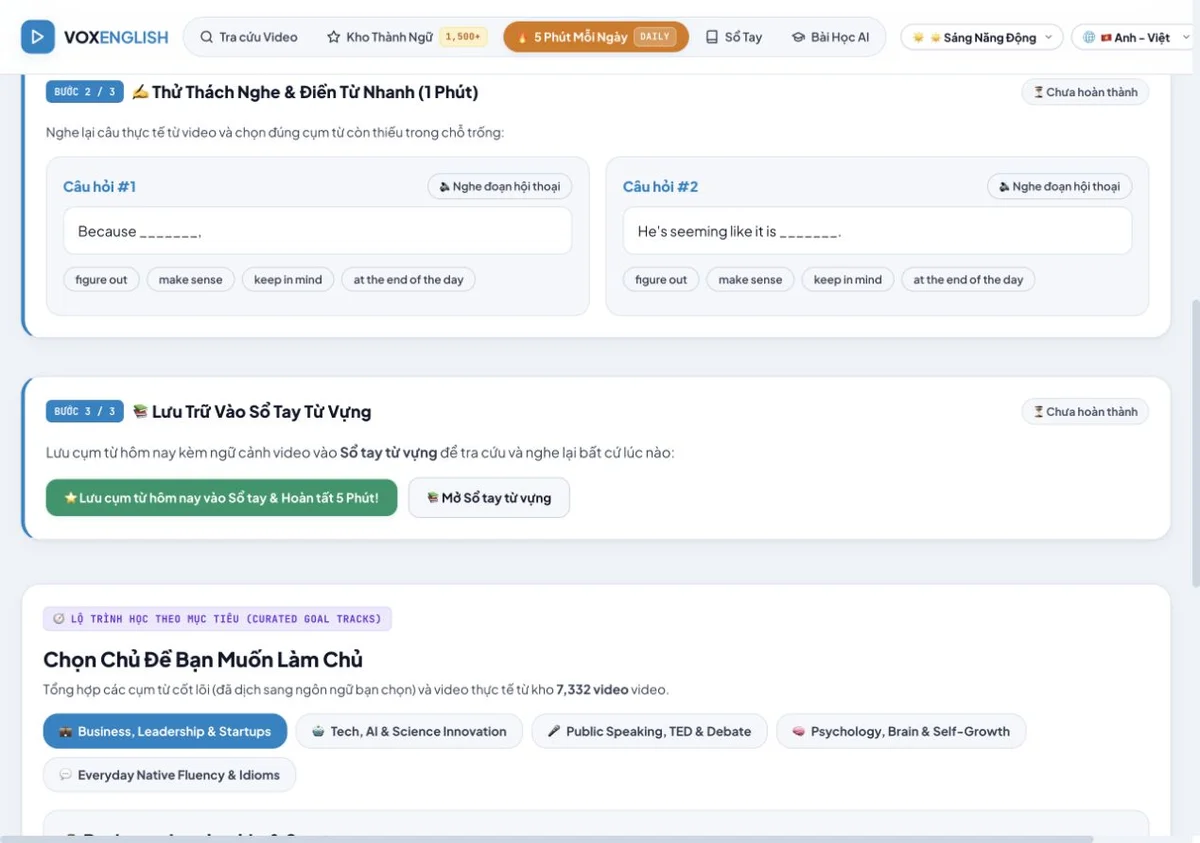
Save a sentence to review
Use “Save to Notebook” on the video page, or the save-phrase button in a daily lesson. When reviewing, try explaining the phrase and writing your own sentence before checking the meaning. If you use separate flashcards, add only sentences whose context you already understand.
View full-size image ↗Try a short session and assess yourself
Spend a few minutes watching for the main idea, a few checking two sentences, and the remaining time retelling it in your own words. If you have only ten minutes, reduce the number of sentences instead of trying to watch faster. The next day, try recalling one sentence before opening your notes. Mark what you still cannot use so you can revisit it, rather than simply counting videos watched.
VoxEnglish is one option in the MWRKS ecosystem for finding videos, looking up words in subtitles and saving material to review. You can also follow this process with a subtitled video and a paper notebook. After a week, review your notes: which sentences have you used in a message or conversation, and which need more examples? Use that information to choose material for the following week.
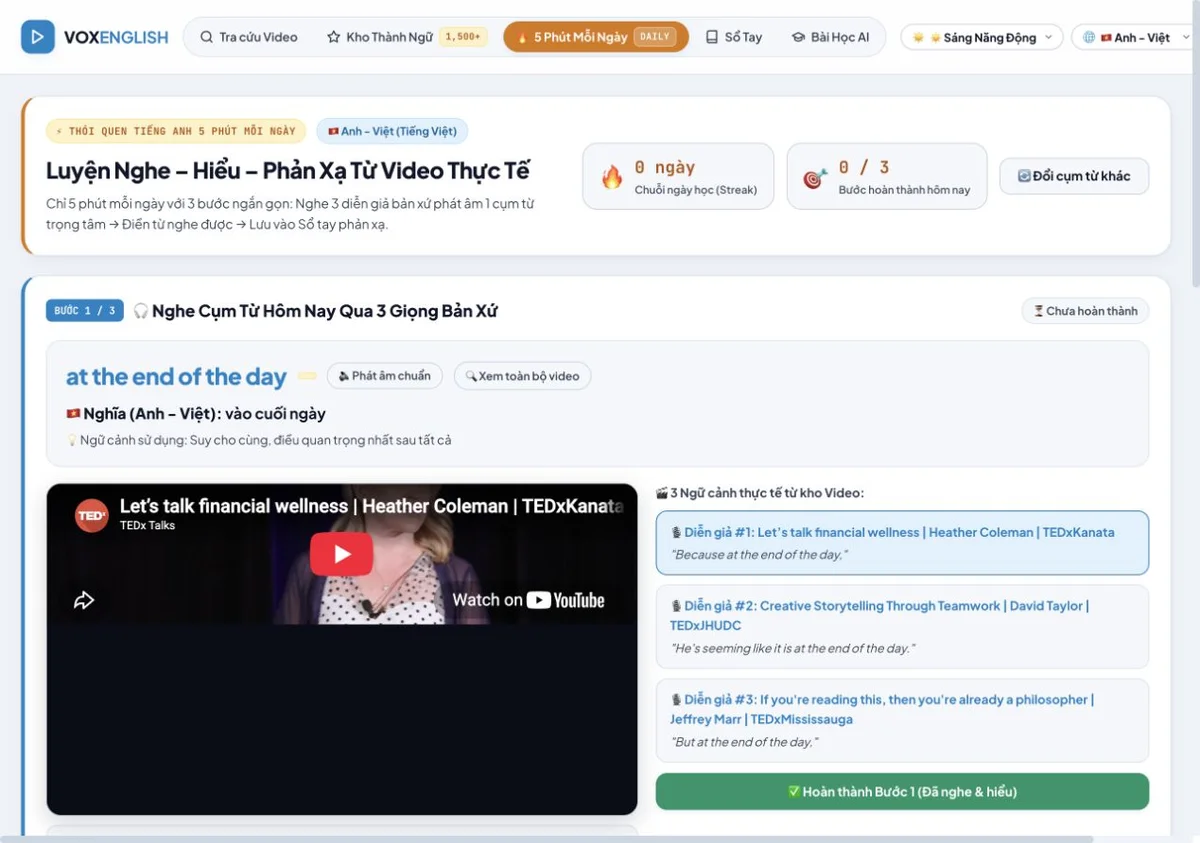
Finish with a short listening exercise
Use a daily lesson to listen and fill in missing words. Choose fewer sentences and listen carefully, then say one again using a situation from your own life.
View full-size image ↗References
- Paul Nation — Language learning resources ↗
Resources for further study of vocabulary learning and activities involving language input and use.

VoxEnglish
Learn English from real stories
Learn English directly on vox.mwrks.com. Find words and phrases in videos, replay dialogue, look up meanings through subtitles and save sentences for review.
Frequently asked questions
Should I turn subtitles off from the start?
You do not have to. If turning them off means you lose the thread entirely, use subtitles as support, then try listening to a short passage again without looking at the words. Adjust the approach to your current ability.
Do I have to give up flashcards to learn through video?
No. You can use video to understand how words are used and review cards to test your memory. Keep cards short, with a clear answer that matches what you want to remember.
Related articles

Spaced vocabulary review: understanding SM-2
Learn what SM-2 does, why you should answer before revealing the solution, and how to handle a growing backlog of review cards.

Learning vocabulary from everyday photos: start with what you see
A corner of your desk or a day out can become a small lesson. Learn how to choose photos, check object names and move from vocabulary labels to meaningful sentences.

Practicing English listening with short stories: understand, then retell
Choose manageable stories, use transcripts at the right time and try retelling a short passage. A flexible process for everyday listening practice.