MWriNote
Your own notebook for everyday ideas
Explore MWriNote in pictures
Select an image to see the interface in detail.
What can this app help you do?
Handwrite, type, sketch and annotate PDFs on iPad. Organize notes into notebooks, find them when needed and export PDFs to share.
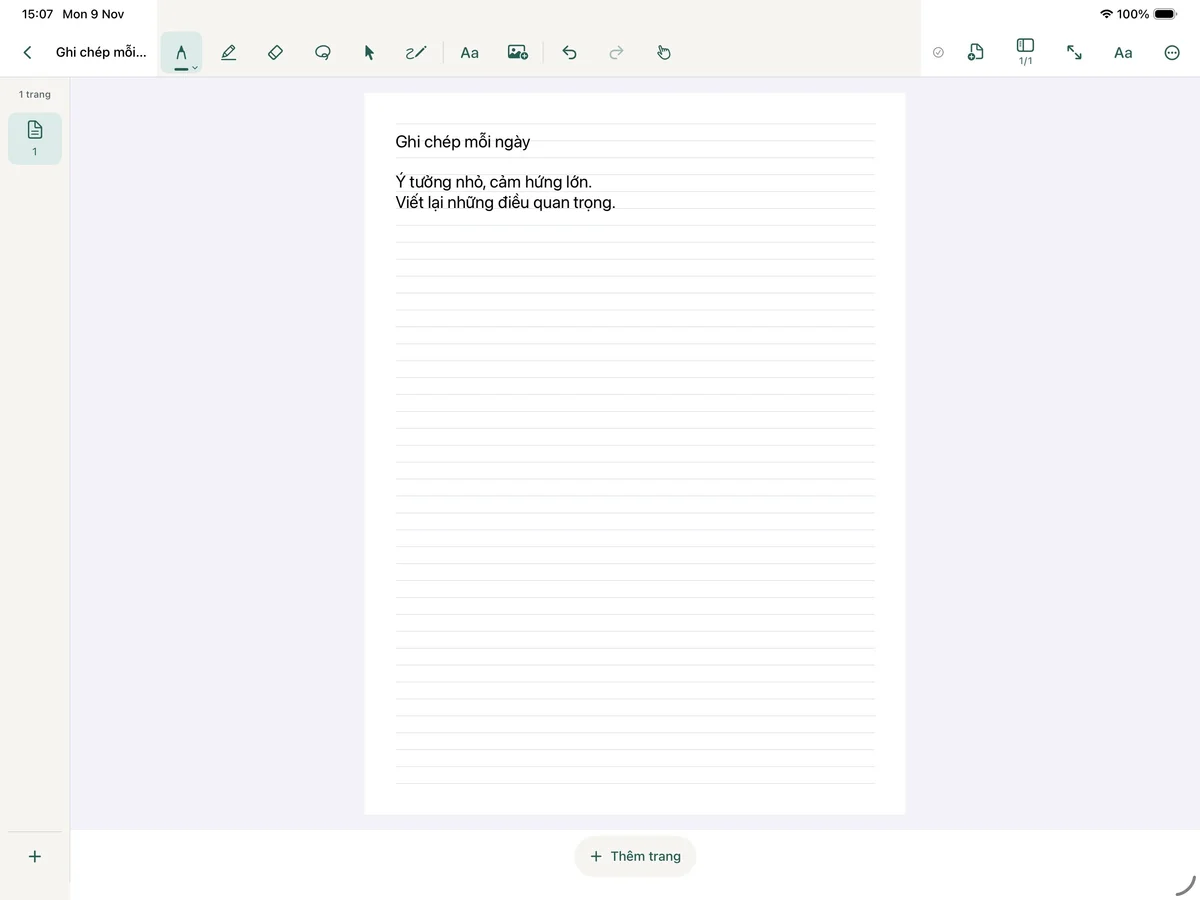
MWriNote – My Writing Note is a notebook app for iPad. Write freely with Apple Pencil, draw with your finger or type with a keyboard in the same note-taking space.
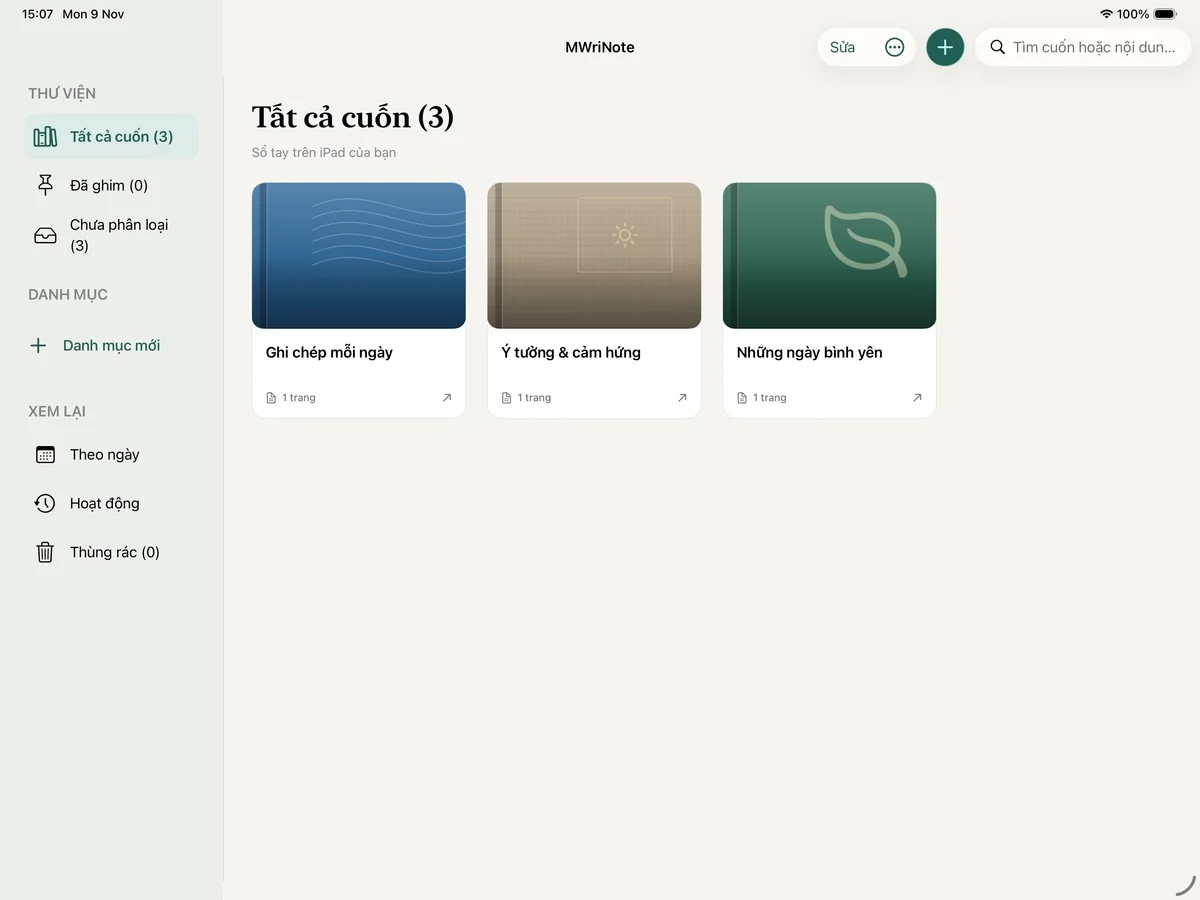
Create a notebook for each subject, project or personal journal. Insert images, import PDFs to annotate and choose paper templates that suit your style. Notebooks and pages are organized into categories for easy retrieval.
Notes are stored on your iPad, and basic note-taking works without an internet connection. To take content out of the app, export a PDF or back up the library to a file for restoration.
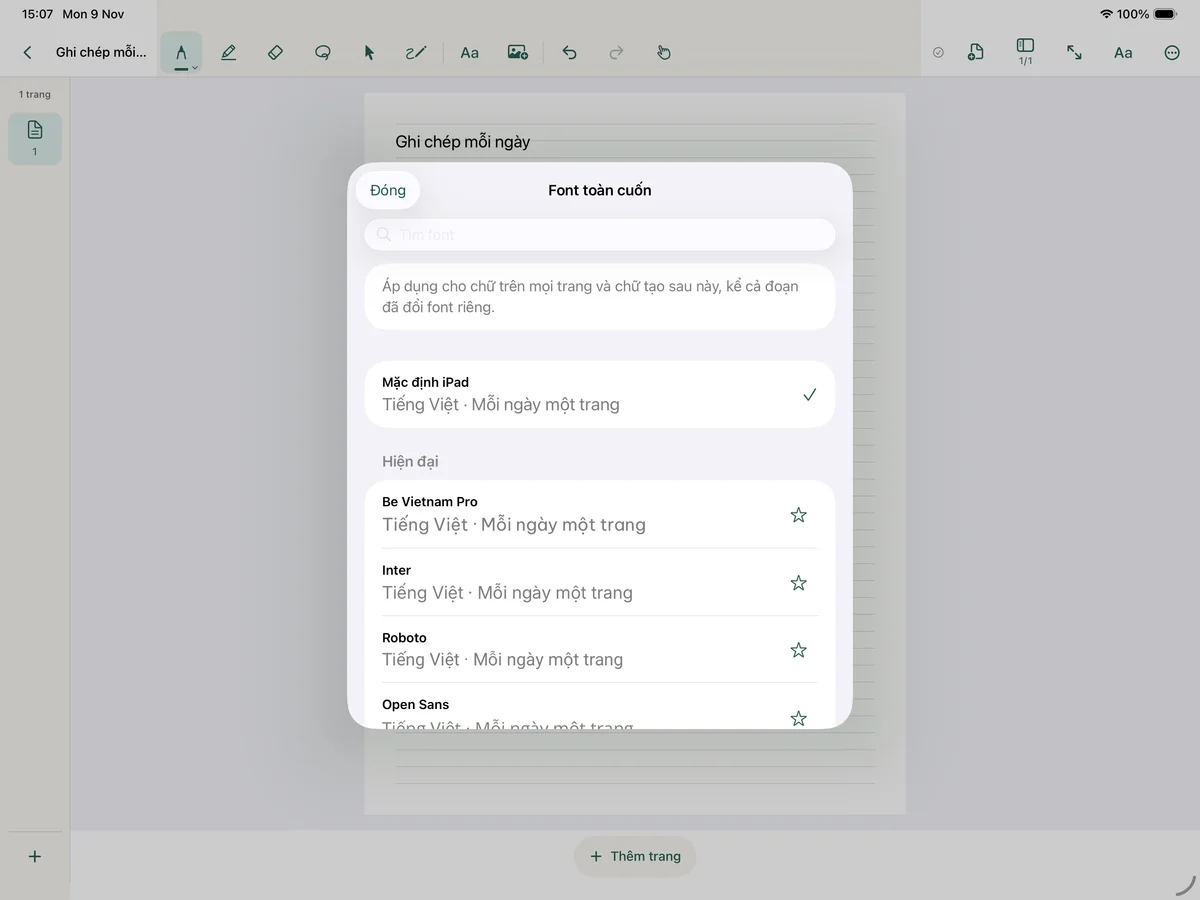
When recognition is enabled, new handwriting can become typed text directly on the page. A set of 24 fonts supporting Vietnamese lets you choose a style for an entire notebook or a selected passage. Check recognition results before sharing.
Key features
Take notes your way
Combine Apple Pencil handwriting, keyboard text and images. Choose paper templates for notes, studying or sketches.
Handwriting and 24 fonts
Enable recognition to convert new handwriting to typed text. Choose a font with Vietnamese support for the entire notebook or the text you are editing.
Documents and notes together
Import PDFs to annotate, add images to pages and organize content by notebook or category. Find notes when revising a lesson or returning to work.
Share and keep a copy
Export content as a PDF to send. Back up the library through Files and restore it by importing a copy or replacing the current library.
Platforms and availability
Frequently asked questions
Does MWriNote require Apple Pencil?
No. You can type with a keyboard or draw with your finger. Apple Pencil is an option for people who enjoy handwriting on iPad.
Can I take notes without an internet connection?
Yes. Content is stored on your iPad and basic note-taking works offline. Actions involving online services still require an internet connection.
Does the app show ads?
The library may display ads. You can still take notes if you decline tracking permission. See MWriNote’s privacy policy and App Store information for details on data handling.
Is a backup the same as syncing across devices?
No. A backup is a snapshot of the library that you restore yourself. Keep it somewhere you control and review restore options before replacing the library you currently use.